Learning it. Building it. Teaching it.
Role: Senior Artist → Creative Director → Art Director | AGS, Intuicode, Everi | Unity Adoption · Technical Art · Training · Workflow Design
3
Unity Transitions
10
Training Volumes
4
Learning Tracks
The Challenge
Getting Unity installed is easy.
Getting studios of artists comfortable working inside Unity is something else.
Artists already have tools they know how to use. Then you hand them a new game engine full of scenes, prefabs, shaders, import settings, animation systems, and esoteric developer-crafted things… and all the while production is expected to keep moving. It’s a lot to take in.
I’ve found myself at that Unity frontier 3 times:
- AGS – Learning it. I learned Unity as a Senior Artist, working across disciplines on one of our earliest Unity game efforts.
- Intuicode – Building it. I helped build a Unity slot-game pipeline from the Art side, along with training and workflows around what artists actually needed.
- Everi – Teaching it. That accumulated knowledge grew into Unity for Artists: training, documentation, safe learning spaces, shared standards, workshops, communication channels and Technical Art support.
Learning It
My first real experience with Unity came when AGS began pushing into Unity development. I volunteered to take the lead on the Art side of our studio’s early effort.
That meant learning how artwork made outside the engine actually behaved once it became part of a running game: importing and configuring assets, working with scenes and prefabs, Timeline & Animator, and figuring out where the artist’s job ended and the developer’s began.
I worked closely with a developer. My approach was one of collaboration and experimentation. There wasn’t a training program yet; learning was the main goal for my part.
To get the most out of Unity as artists, and to unburden devs to do other important things, artists need enough technical fluency to control what happens to their work inside Unity.
Building It
A few years later, I joined Intuicode as Creative Director. We were a small HHR studio growing quickly, and our games were still primarily built in Flash. It had gotten Intuicode surprisingly far, but our ambitions were getting bigger, our competitors were getting better, and the limitations were becoming increasingly obvious.
I pushed for us to move into Unity.
This time I wasn’t just learning Unity for myself. I had a production team that needed to come with me. I worked directly in the project with our developers, editing scenes, prefabs, materials, symbol art, animation presentation and effects while we figured out what an effective slot-game engine, pipeline, and workflow should look like.
Nerdy Questions & Tech Adventures
- Sprite, plane, quad, or render texture?
- How should symbols animate while spinning?
- Why does every video flash white the first time it plays?
- How large do these textures really need to be?
- How far can we push performance?
- What levers do we have when Art gets expensive in memory?
The questions were technical, but the reasons for asking them were creative.
A Little Light Sweep
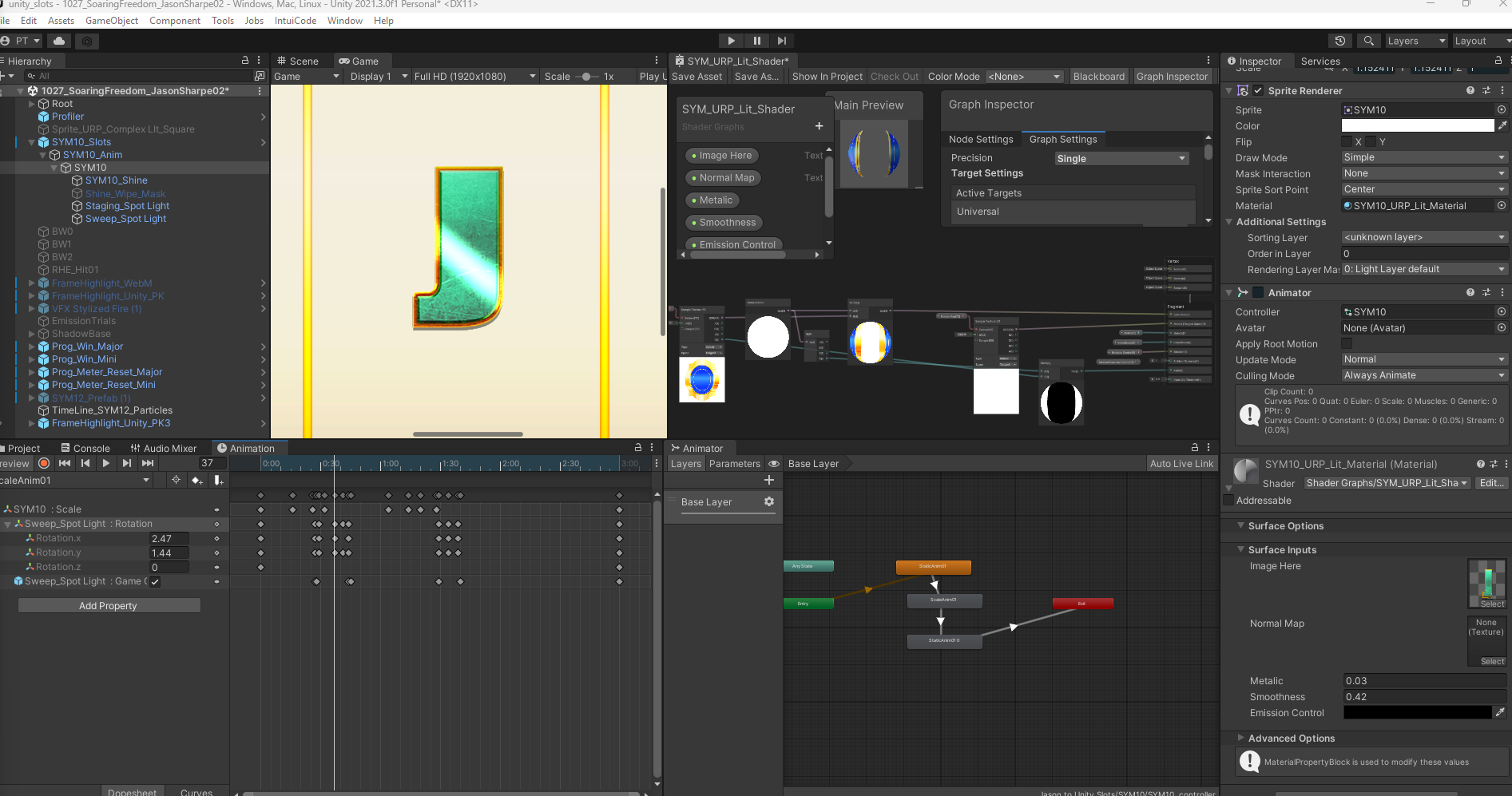
One example was the simple-sounding “reusable light sweep” over game art. I just wanted light to pass over a gold coin or symbol and make it shine.
I explored masking, lighting, Sprite Masks, Shader Graph and rendered video, comparing tradeoffs in clipping, scaling, flexibility and performance. The final solution used custom shaders I taught myself to make, combined with some delicious post-processing bloom.
I could get far enough into both Art & Dev to help translate between the two: understand the creative intent, test technical options, ask better questions, then turn the answer into something artists could actually use.
Don’t let tech limit what you can do – use it to enable what you want to do.
When folks start dreaming up big ideas, what can we have in place to protect the momentum?
Teaching & Change Management
Then Intuicode was acquired by Everi, who also happened to be building their first Unity engine. Our small team became part of a much larger game organization with more studios, more artists, and many more people preparing to make the same transition we’d already gone through.
At Intuicode, we had been the little company trying to catch up technologically.
At Everi, we arrived with practical experience doing exactly what the larger organization was preparing to do.
How do we help other artists learn Unity
…without rediscovering the same lessons the hard way?
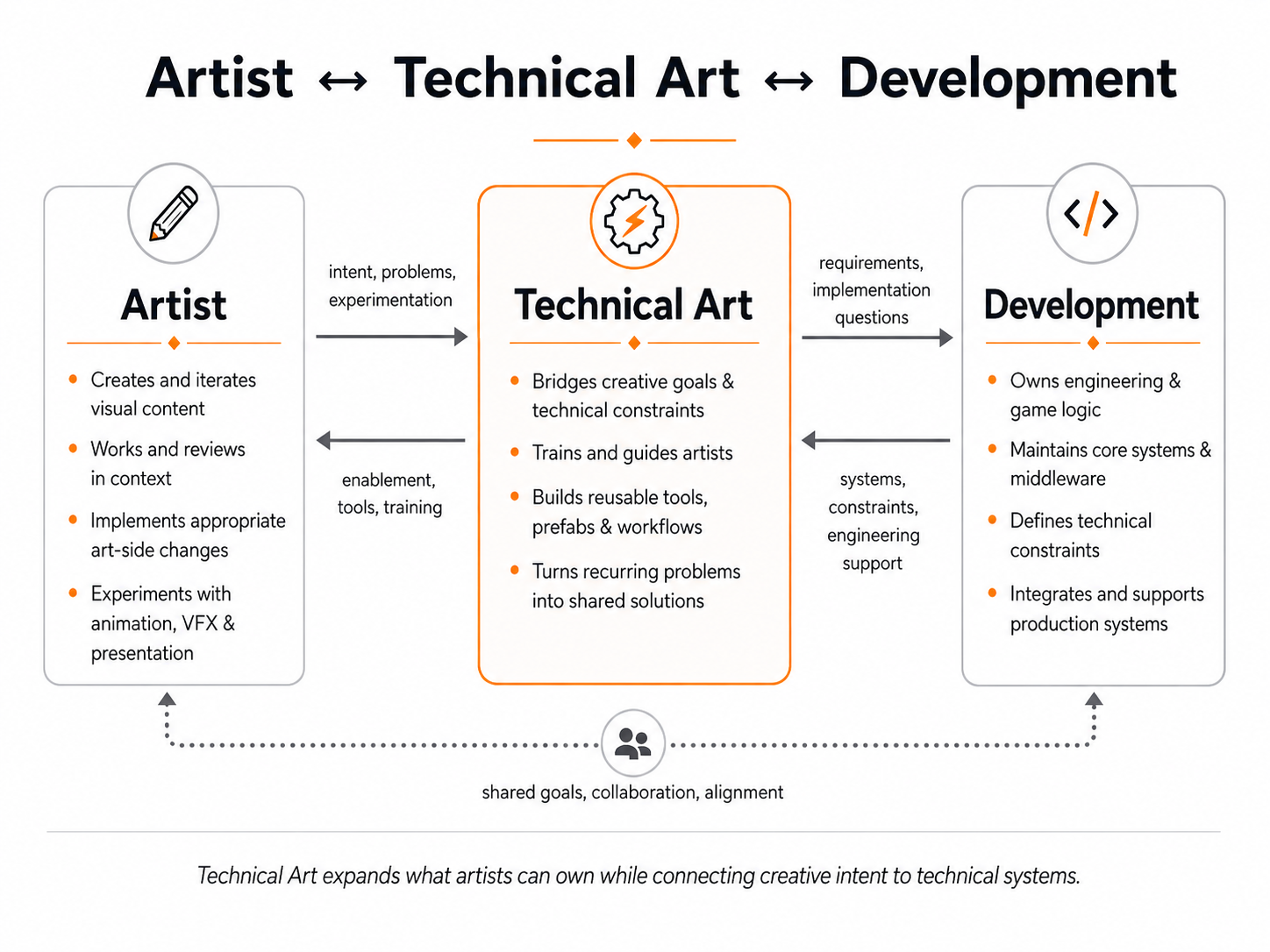
The first part of that answer was experienced Technical Artists: people who could bridge Art & Dev and act as force multipliers while teams entered a new world of Unity.
We lovingly called them Tech Wizards. They were apt to have long beards, be a little grumpy at times, possess nigh-on-magical powers in Unity, and prove instrumental to our various adventures.
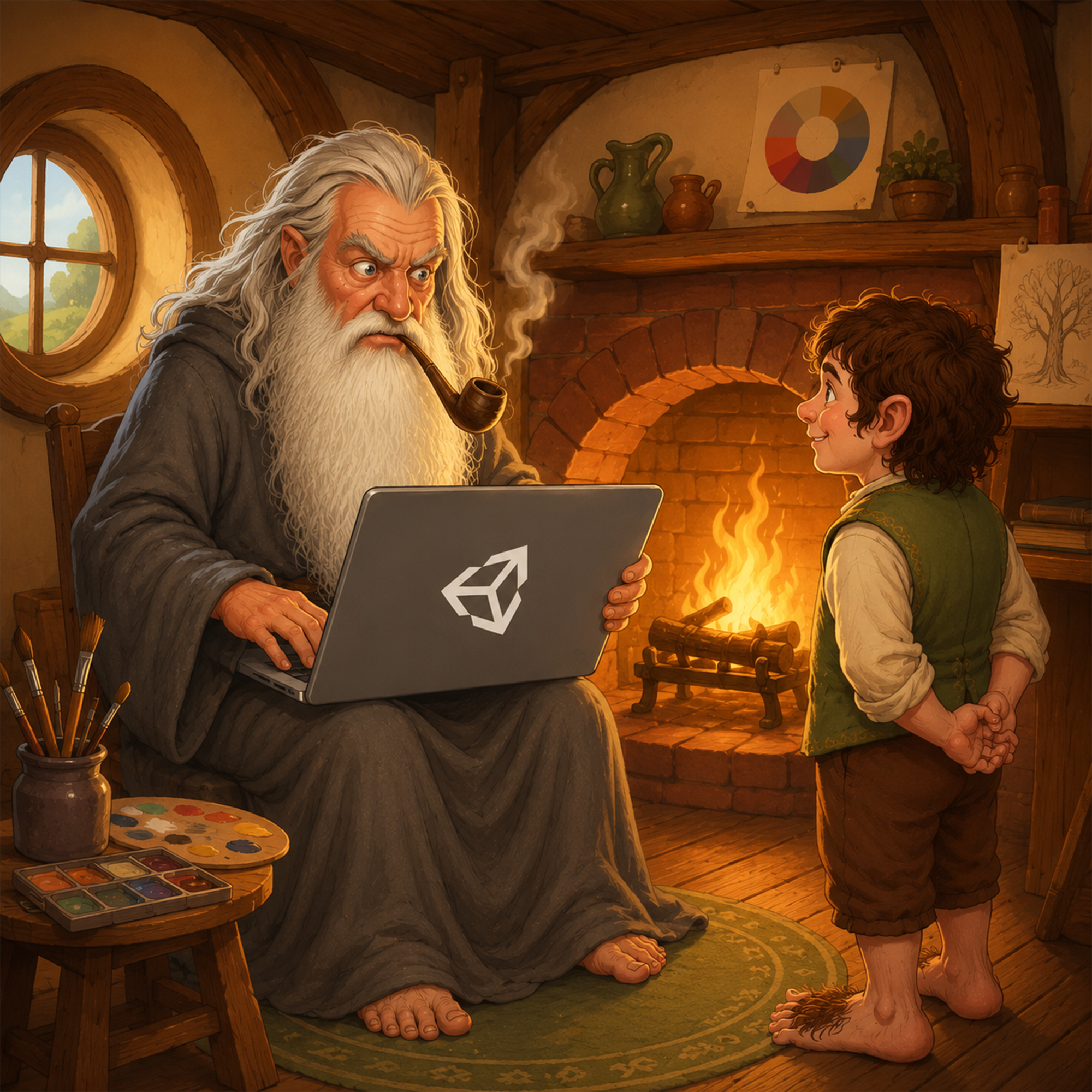
“A Tech Artist is never late. Nor is he early. He arrives precisely when the build breaks!”
Make It Safe
One of the first things artists need when learning something new is permission to be bad at it for a while. Shared Unity projects in production are dangerous classrooms.
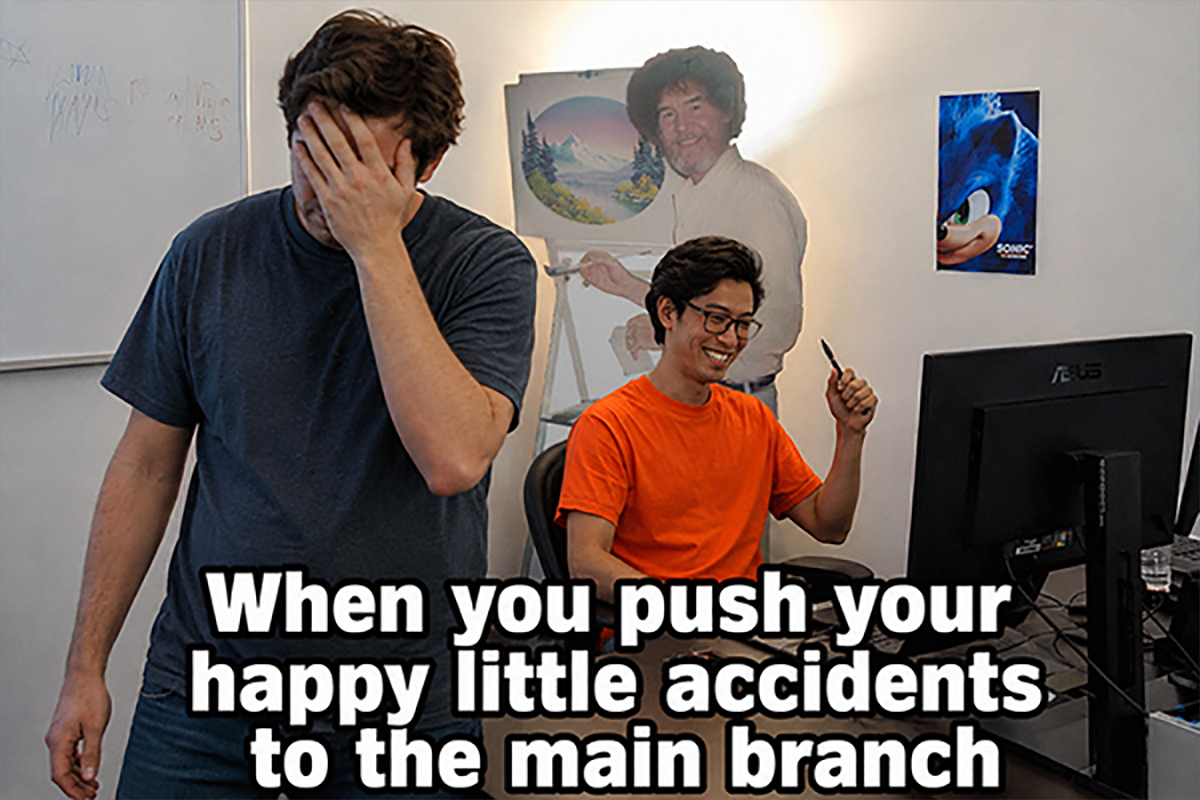
So our training began with a protected practical sandbox: close enough to a live project to learn in context, but safe enough to experiment. When work was ready, artists could coordinate with Development or Tech Art to move it into the game.
Keep the Tech Wizards happy.
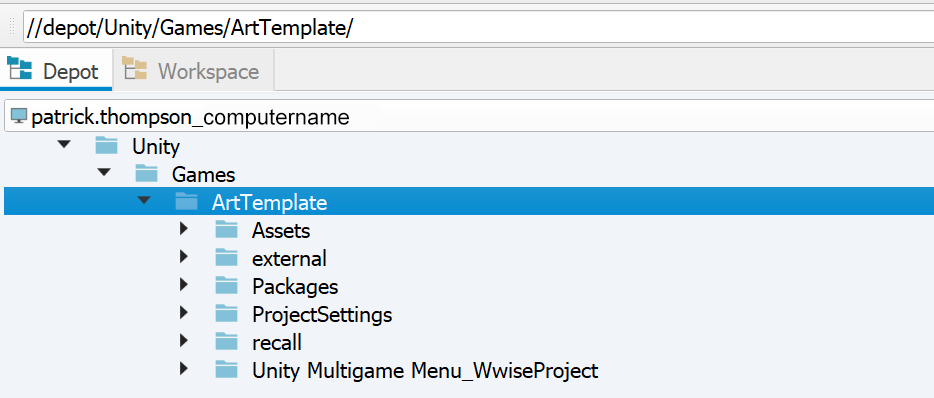
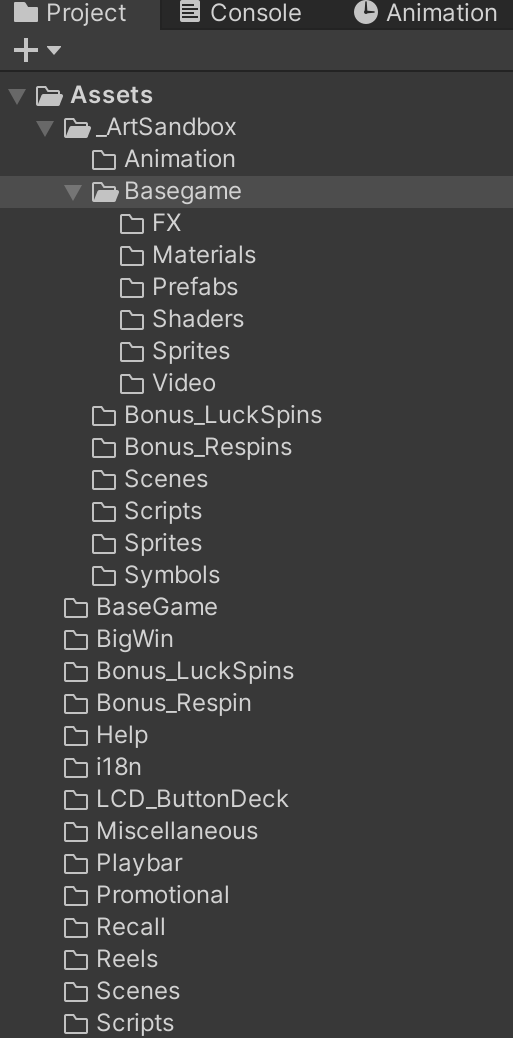
I put together a Unity Bootcamp wiki that walked artists through the unglamorous blockers first: licenses & access, VPN, version control, the correct Unity version, workspace setup, middleware, and launching a working game.
Getting the project running yourself was an accomplishment. More importantly, you now had somewhere safe to experiment.
Give Artists a Path
Once people could get into Unity, the next thing to do was build a training path.
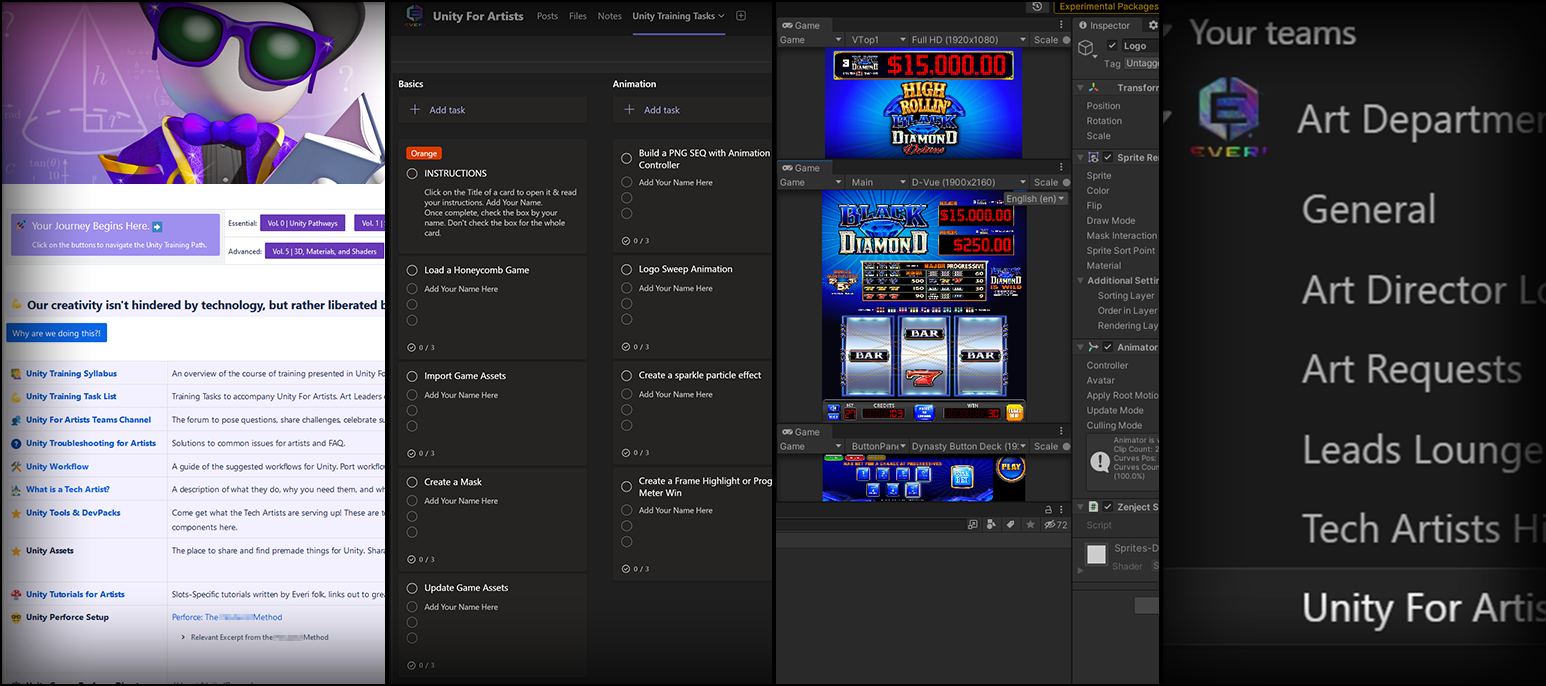
Thus the Bootcamp transmuted into the Unity for Artists Wiki: a ten-volume learning structure covering setup and foundations through animation, 3D, materials, shaders, VFX, troubleshooting and other practical needs.
This wasn’t just regurgitating what was on Unity’s website. It was bespoke material built around our tools, our middleware, and the things our artists actually needed to do.
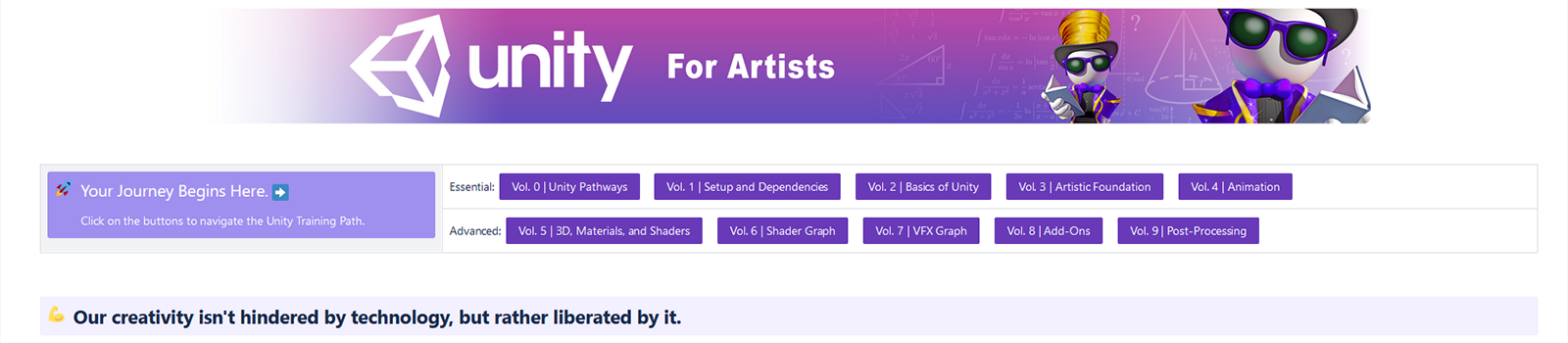
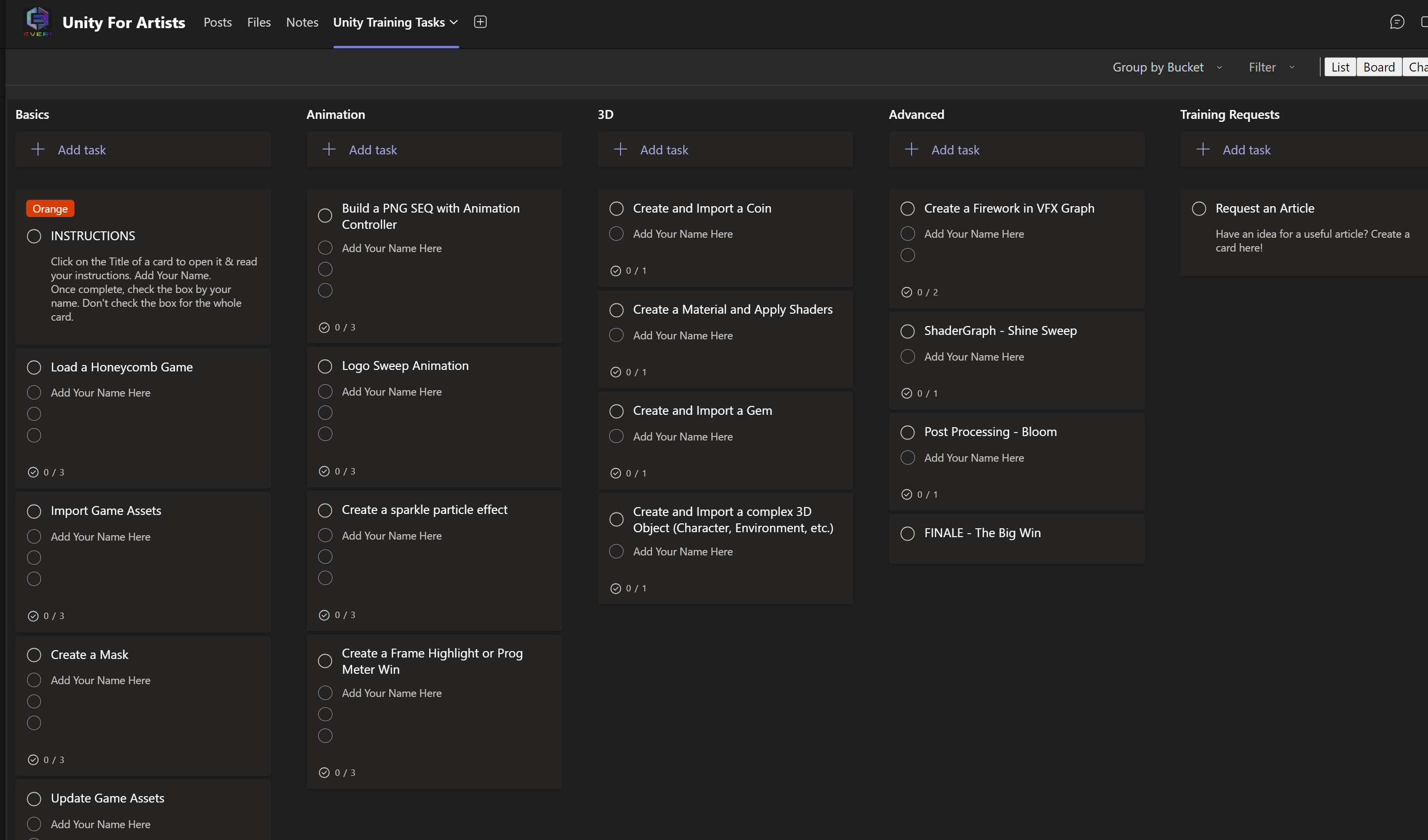
Alongside it was task-based training organized into four tracks:
Basics | 3D | Animation | Advanced
Artists could learn at their own pace and to their desired depth. People knew where to begin, what came next, and where to look when they got stuck.
Build the Support System
Documentation alone isn’t enough.
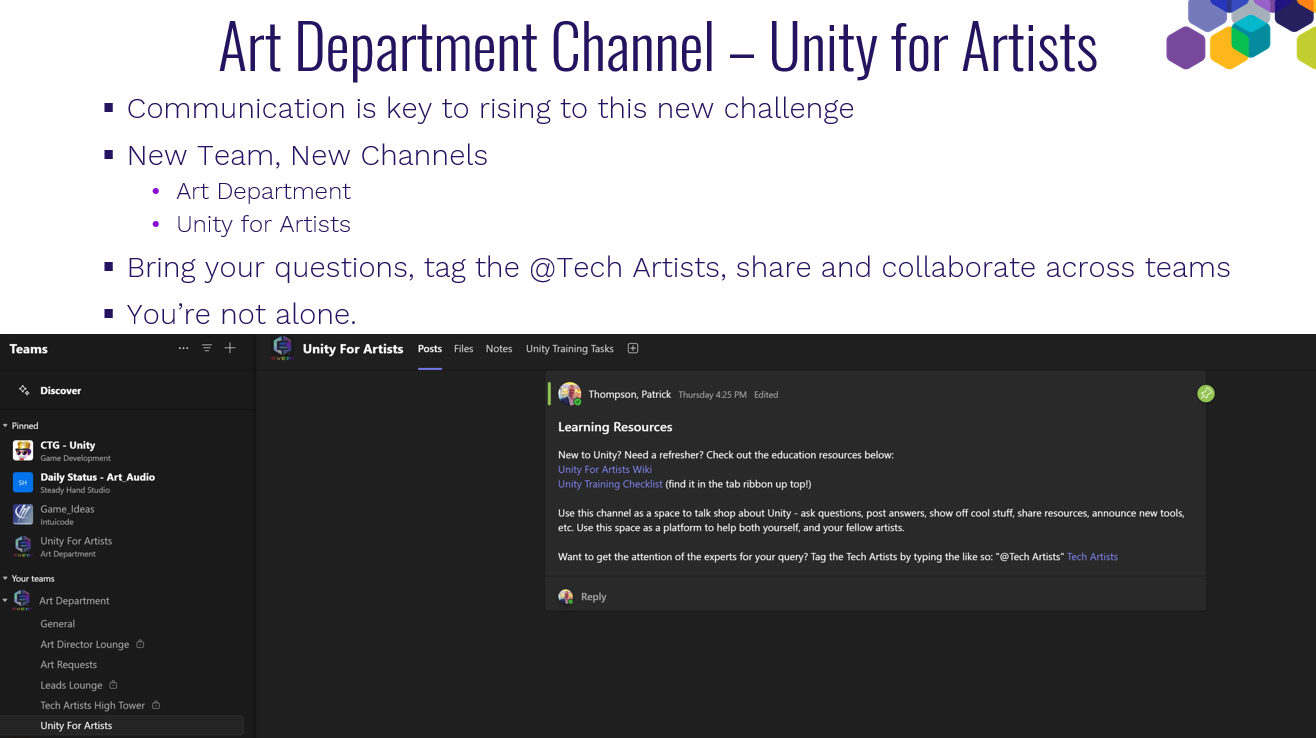
Sometimes it’s far easier to ask a Friendly Neighborhood Tech Artist, or somebody who already spent a week searching for that one checkbox you know is there somewhere.
I created shared spaces where artists could bring questions, share resources, announce tools, and tag Tech Artists for help.
Find a swim buddy.
Learn with somebody. Ask the dumb questions. Share what you figured out.
Then let the transformation itself become the scannable evidence:
- Repeated questions → FAQs
- Good discoveries → training material
- Useful techniques → workshops
- Recurring problems → tools, presets, prefabs, shared assets or standards
Technical Art became an increasingly important part of that system. I wanted TAs to guide and train, not simply do Unity work for artists and become another bottleneck.
More technically independent artists free TAs to solve harder problems, then turn those solutions into something reusable by everyone else.
Give TAs some space, and let them surprise you with technical joys wondrous to behold.
What I learned
Looking back at these arcs of getting teams into Unity, I see software adoption as primarily a change-management challenge with a lot of software sitting on top of it.
- Give people a reason to change. A new tool alone isn’t one.
- Make learning safe. People need somewhere to experiment and be bad at something for a while.
- Build a visible path. “Learn Unity” is intimidating. Smaller practical steps aren’t.
- Teach enough technical fluency to create autonomy. Artists don’t need to understand everything; they need enough to make better creative decisions and collaborate intelligently.
- Turn repeated friction into shared capability. FAQs, tools, standards and teaching keep knowledge from living in one person’s head.
Before I was a game artist, I was a teacher. I spent years in China training other teachers, building curriculum, creating practical lesson plans, and helping people become comfortable doing something they had never done before.
I’d already gone from barely knowing After Effects to teaching it, and more recently I’ve found myself doing something similar with AI. Unity has been the clearest example of that pattern.
At AGS, I learned it. At Intuicode, I helped build the bridge for others.
At Everi, I turned what we’d learned into a road map & tool set to teach others.
I like finding something useful, learning how it works, figuring out how to apply it, and then turning around and helping other people do the same.
Learning it. Building it. Teaching it.
I suspect I’ll probably do the same thing with whatever comes next.
Credit / Context
Unity adoption across AGS, Intuicode and Everi was collaborative work involving Artists, Developers, Technical Artists, Production, studio leadership and central technology teams.
My role evolved from hands-on artist learning and implementation, to Creative Director helping lead an art-side engine transition, to Art Director helping build, organize and steward artist training, workflows, documentation, Technical Art practices and broader adoption.
Several training resources and systems shown here were collaborative works. Public-facing examples have been cropped, recreated or sanitized where appropriate.
NEXT CASE STUDY / LINK
use image
 PATRICK THOMPSON